

Groups
Groups are a collection of recipients and used as the target of phishing campaigns.
Overview
The groups page gives an overview of all groups and the number of recipients in each group.
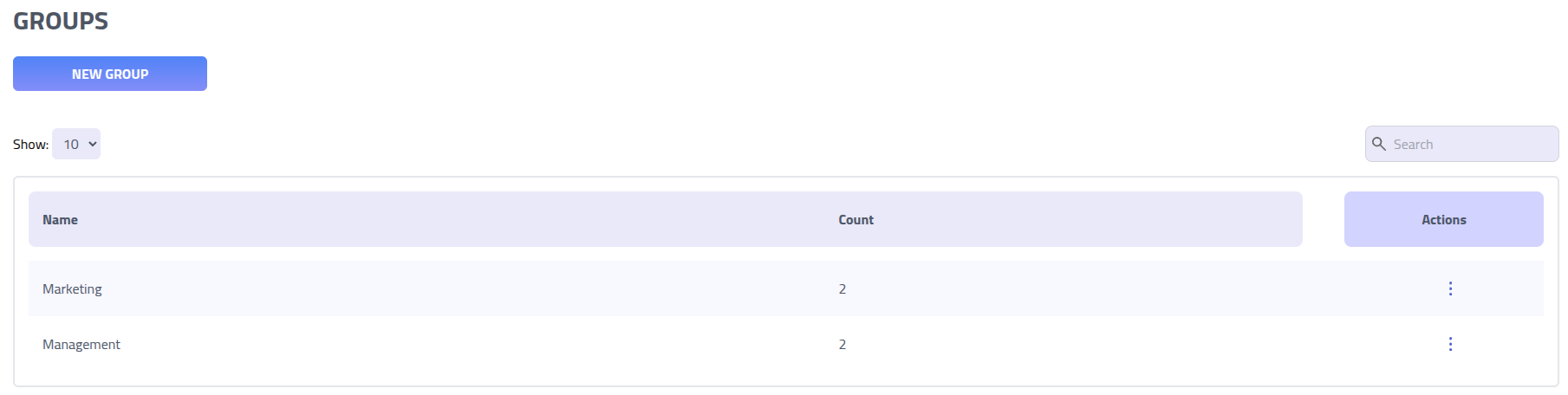
Click on a group name to access the group management page.
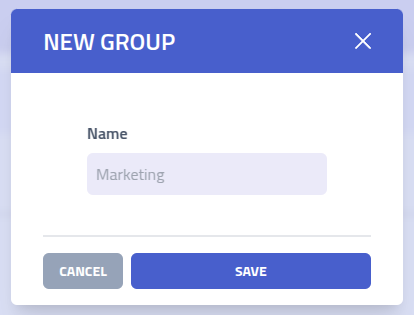
Group overview
On a group page you can see and manage all groups.
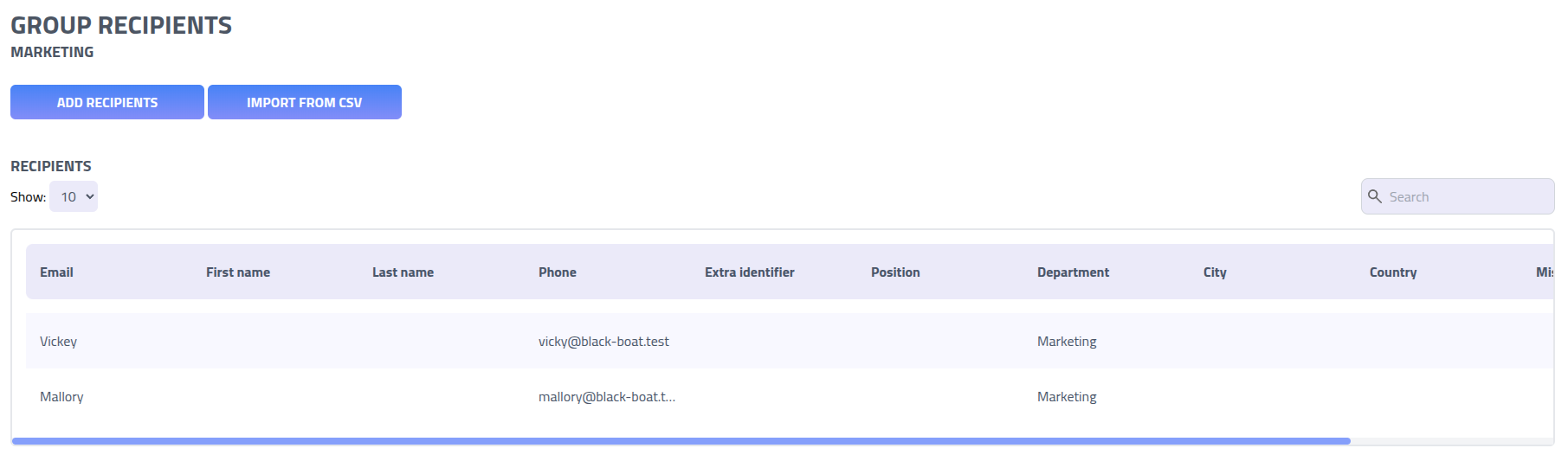
- Add recipients: Click
Add Recipientsto select and add existing recipients to the group. - Import from CSV: Click
Import from CSVto add recipients from a CSV.
Add recipient to group
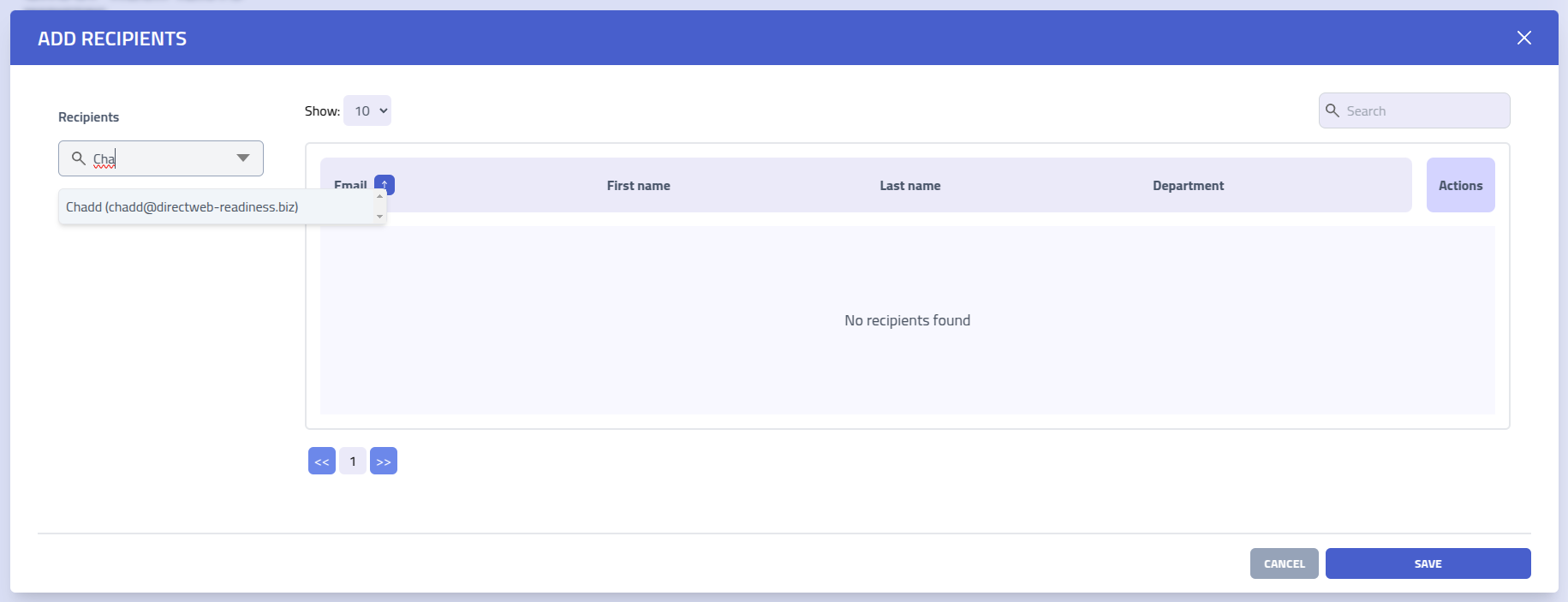
Add one or more recipient to the group using the Add recipients modal.
Use the Recipients search field to find users by typing their name, email address,
or other identifying information.
Import from CSV
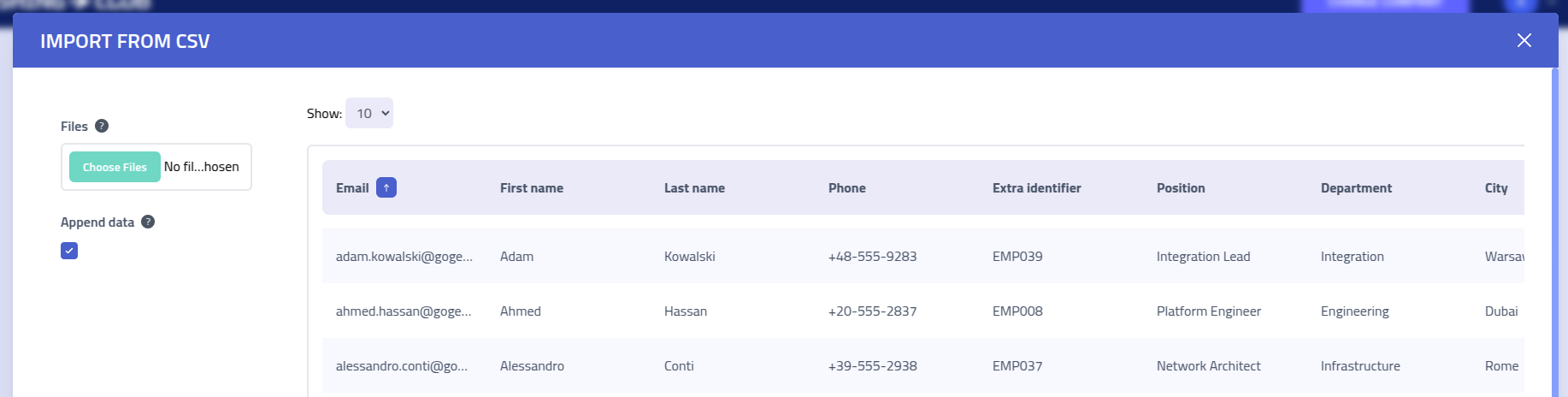
Use the CSV import functionality to import multiple recipients at once.
CSV File Format
Your CSV file must include a header row with column names matching the recipient profile fields. The system maps columns to recipient attributes based on these headers.
Here's an example of a properly formatted CSV file:
Email,Phone,ExtraIdentifier,FirstName,LastName,Position,Department,City,Country,Misc
"[email protected]","+1-555-0191","EMP001","Marcus","Jenkins","Solutions Architect","Engineering","Portland","USA","Kubernetes Expert"
"[email protected]","+7-916-555-0847","EMP002","Elena","Popov","Data Scientist","Analytics","Moscow","Russia","ML Specialist"
"[email protected]","+91-555-8273","EMP003","Raj","Patel","DevOps Engineer","Operations","Mumbai","India","Docker Certified"
"[email protected]","+47-555-9182","EMP004","Hannah","Berg","Product Owner","Product","Oslo","Norway","Agile Coach"
Dynamic groups
Dynamic groups include recipients based on a filter rather than a fixed membership list. Members are resolved at query time based on the configured filter.
When a recipient's profile is updated, they are automatically included or excluded from any matching dynamic groups.
Dynamic groups are marked with a dynamic badge in the groups list.
Create dynamic group
Click New dynamic group on the groups page to open the creation modal.
| Field | Description |
|---|---|
| Name | Unique name for the group |
| Filter field | The recipient field to filter on. Must be one of: position,
department, city, country, or
misc |
| Filter value | The value the filter field must match. Maximum 255 characters |
Note: A dynamic group cannot be converted to a static group after creation.
Dynamic group overview
Opening a dynamic group shows all recipients whose profile currently matches the filter.
The filter rule is shown on the group page, for example: recipients where
department equals Engineering.
Recipients cannot be added or removed manually from a dynamic group. The
Add Recipients and Import from CSV actions are not available on dynamic
group pages.
To update the filter value, use the edit action from the groups list.