

Pages
Pages are website pages that are attached to a template and used in a campaign.
Multiple pages can be used in a template: Before landing page
, Landing page,
After landing page
, and Deny Page.
Overview
The page overview shows all pages.
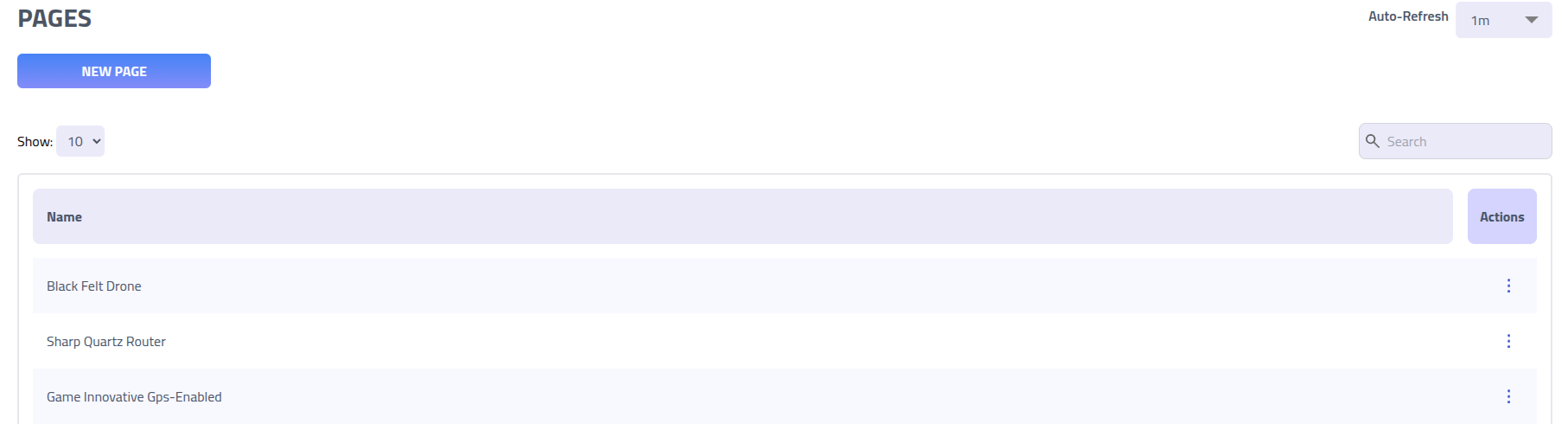
Create new page
Create a new page by filling out a new name and content.
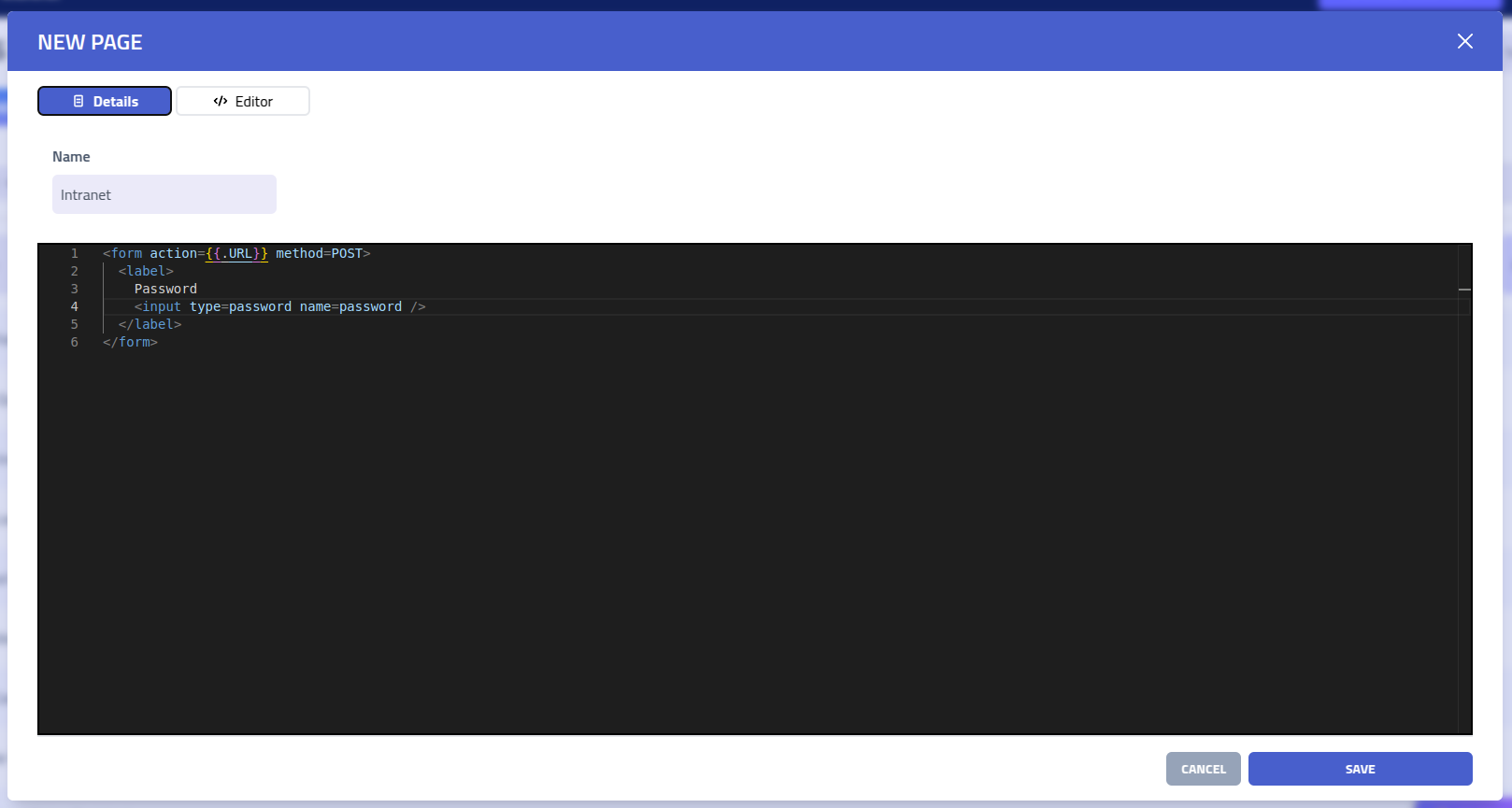
Access the editor controls by clicking Editor.
Editor
Use the editor to edit and preview pages.
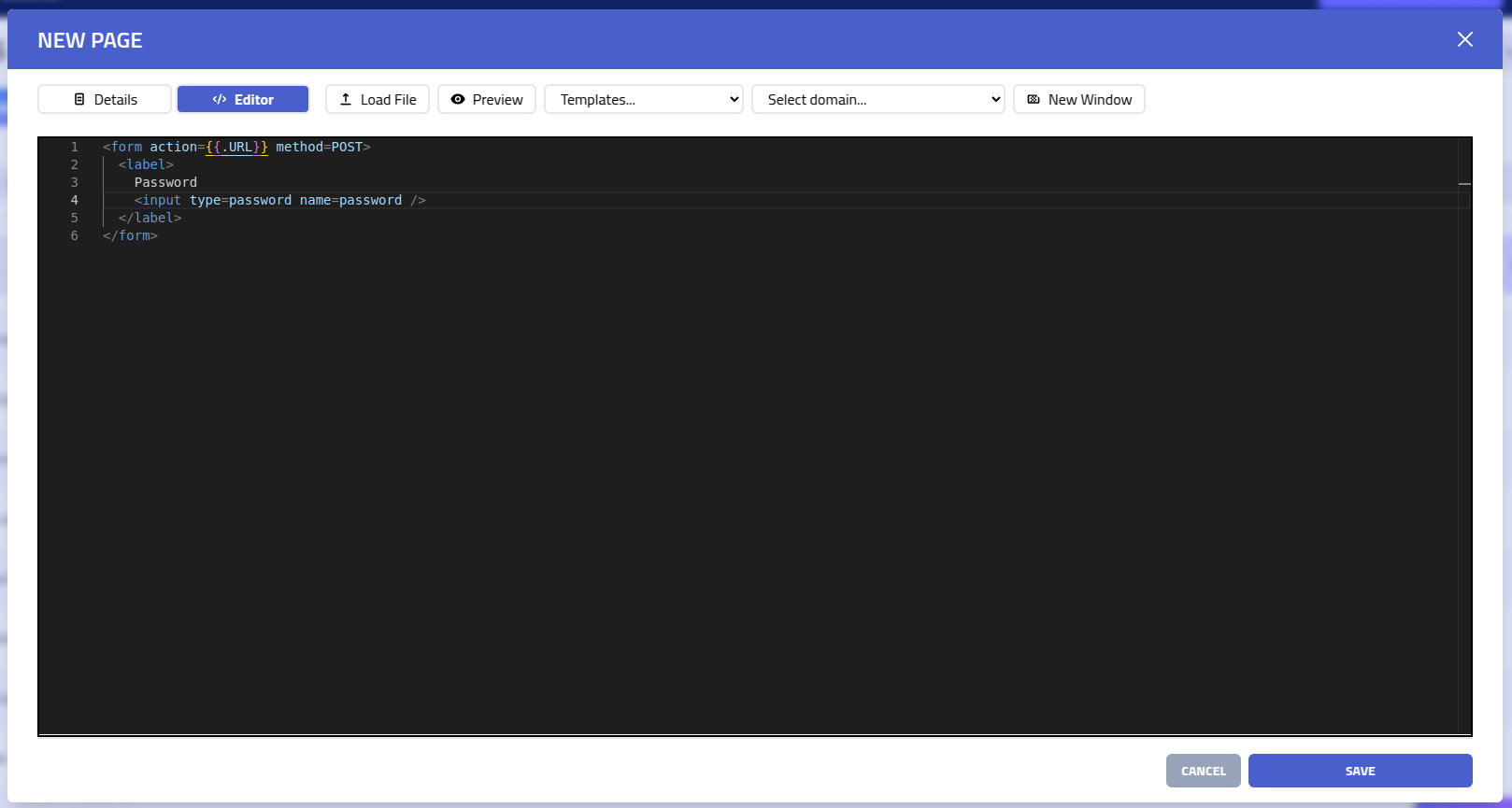
| Field | Description |
|---|---|
| Load file | Import existing HTML templates, designs, or content from a file |
| Preview | Split-screen preview that automatically updates on change |
| Templates | Insert template variable |
| Domain | Select domain for preview rendering and variables |
| New window | Open preview in new window |
Template Variables
Page templates support dynamic variables that are automatically replaced with actual values during campaign execution. These variables can be used in the page Content (HTML body).
| Variable | Description |
|---|---|
{{.rID}} | Unique recipient identifier for tracking |
{{.FirstName}} | Recipient's first name |
{{.LastName}} | Recipient's last name |
{{.Email}} | Recipient's email address |
{{.To}} | Alias for recipient's email address (same as {{.Email}}) |
{{.Phone}} | Recipient's phone number |
{{.ExtraIdentifier}} | Additional custom identifier for recipient |
{{.Position}} | Recipient's job position |
{{.Department}} | Recipient's department |
{{.City}} | Recipient's city |
{{.Country}} | Recipient's country |
{{.Misc}} | Miscellaneous recipient information |
{{.From}} | Sender's full address (name and email) |
{{.FromName}} | Sender's display name |
{{.FromEmail}} | Sender's email address |
{{.Subject}} | Email subject line |
{{.BaseURL}} | Base URL of the campaign domain (e.g., https://example.com) |
{{.URL}} | Full campaign URL with recipient identifier and state parameter |
{{.DenyURL}} | URL to deny page (if configured in campaign template) |
{{.RandomRecipient.*}} | Access to a random recipient's data from the same company (excludes current recipient).
Available fields: FirstName, LastName,
Email, Phone, ExtraIdentifier,
Position, Department, City,
Country, Misc |
Template Functions
Page templates also support powerful functions for dynamic content generation and data manipulation:
| Function | Description | Example |
|---|---|---|
urlEscape | URL-encodes a string for safe use in URLs | {{urlEscape .Email}} |
htmlEscape | HTML-escapes a string to prevent markup interpretation | {{htmlEscape .FirstName}} |
randInt | Generates a random integer between two numbers (inclusive) | {{randInt 1 100}} (returns number between 1-100) |
randAlpha | Generates a random alphabetic string of specified length | {{randAlpha 8}} (returns 8 random letters) |
qr | Generates an HTML QR code from a string | {{qr .URL}} |
date | Formats current date/time with optional offset in seconds. Format uses standard date tokens (YYYY, MM, DD, HH, mm, ss) | {{date "YYYY-MM-DD"}}{{date "DD/MM/YYYY HH:mm" 3600}} (1 hour ahead) |
base64 | Base64-encodes a string | {{base64 .Email}} |
Usage Examples
Personalized greeting:
<h1>Welcome, {{.FirstName}} {{.LastName}}</h1>
<p>Your secure verification link has been prepared.</p>
Form with pre-filled data:
<form action="/submit" method="post">
    <input type="hidden" name="rid" value="{{.rID}}">
    <input type="email" name="email" value="{{.Email}}" readonly>
    <input type="text" name="name" placeholder="Full Name">
    <button type="submit">Verify Account</button>
</form>
Evasion with deny URL:
<!-- redirect to deny page if certain conditions are met -->
<a href="{{.DenyURL}}" id="deny-link" style="display:none;">Deny</a>
Dynamic content with random values:
<p>Your verification code: {{randInt 100000 999999}}</p>
<p>Session ID: {{randAlpha 16}}</p>
<p>Request date: {{date "YYYY-MM-DD HH:mm:ss"}}</p>
QR code for mobile access:
<div class="qr-container">
    <p>Scan to continue on mobile:</p>
    {{qr .URL}}
</div>